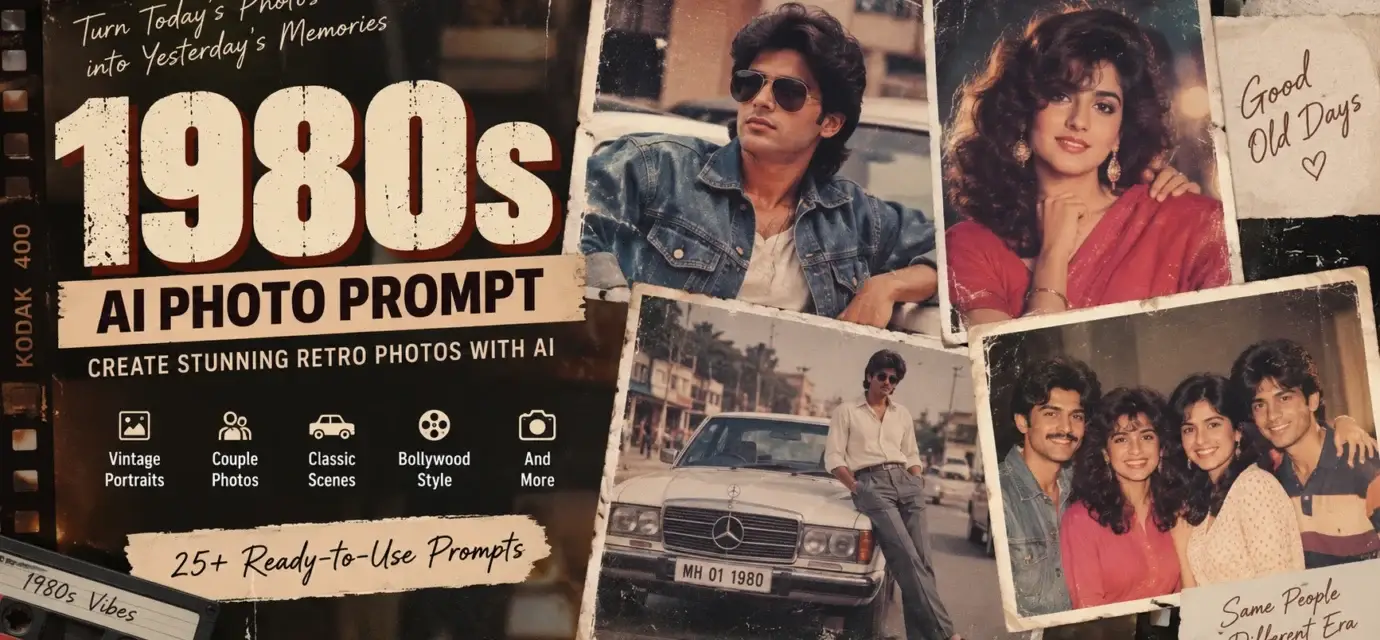
1980s AI Photo Prompt: Create Stunning Retro Photos With AI
The 1980s had a unique visual style that still attracts people today. From vintage fashion and classic cars to film cameras, old streets, warm colors, and nostalgic portraits, the decade had an unmistakable aesthetic. With modern AI tools, you can now recreate this look using simple text instructions. A well-written 1980s AI photo prompt can transform an ordinary photo into a realistic retro-style image within seconds.
Whether you want to create an old-school portrait, a vintage couple photo, an 80s fashion look, or a cinematic street scene, AI makes it easier to experiment with different styles.
What Is a 1980s AI Photo Prompt?
A 1980s AI photo prompt is a detailed text instruction that tells an AI image-generation or photo-editing tool how you want an image to look.
Instead of simply writing “make this photo look old,” you can describe specific elements such as lighting, clothing, background, camera style, colors, film grain, and composition.
For example, you can mention:
- 1980s fashion
- Vintage film photography
- Analog camera look
- Warm and slightly faded colors
- Retro hairstyles
- Classic cars
- Old city streets
- Film grain and natural skin texture
- Cinematic lighting
The more specific your prompt is, the easier it is for the AI to understand the desired visual style
Best 1980s AI Photo Prompts
Here are some ready-to-use ideas for creating realistic 1980s-inspired images.
1980s Vintage Portrait Prompt
Transform this photo into a realistic 1980s vintage portrait. Keep the person’s facial features and identity natural and recognizable. Add authentic 1980s hairstyle and fashion, soft studio lighting, subtle film grain, warm tones, analog camera texture, slightly faded colors, and realistic skin texture. Make it look like a professionally captured photograph from the 1980s.
1980s Street Photography Prompt
Create a realistic 1980s street photography scene with vintage clothing, classic cars, old storefronts, analog film photography, natural sunlight, subtle film grain, slightly faded colors, realistic shadows, and authentic 1980s urban atmosphere. Make the image look like it was captured using a professional film camera.
1980s Couple Photo Prompt
Turn this couple photo into a romantic 1980s photograph. Preserve both people’s facial identity and natural expressions. Add authentic 1980s hairstyles, vintage outfits, warm cinematic lighting, analog film grain, soft colors, realistic photography, and a nostalgic background. Make it look like an original photograph taken in the 1980s
1980s Bollywood Style Prompt
Transform this image into an authentic 1980s Bollywood-inspired portrait. Keep the person’s face recognizable and realistic. Add classic 1980s Indian fashion, retro hairstyle, dramatic cinematic lighting, vintage film colors, subtle grain, and a classic Bollywood studio atmosphere. The final image should look like a genuine film photograph from the 1980s
How to Create a 1980s Photo With AI
Creating a retro image with AI is relatively simple. First, select the photograph you want to transform. A clear image with a visible face generally works better for portrait editing.
Next, describe the exact style you want. Instead of using only the word “vintage,” mention the decade, clothing, lighting, camera style, colors, and environment.
For example, you can combine:
Decade + Fashion + Location + Lighting + Camera + Texture
A prompt such as “1980s portrait, vintage denim jacket, old city street, warm evening light, 35mm film photography, subtle grain and faded colors” gives the AI much more visual information.
After generating the image, you can refine the prompt if the result does not match your expectations. You can ask the AI to make the image more realistic, reduce excessive effects, improve facial details, or create a stronger 1980s atmosphere.
Tips for Better 1980s AI Photos
To get more realistic results, avoid adding too many unrelated visual effects. Authenticity is usually more important than excessive editing.
Use terms such as 35mm film, analog photography, natural lighting, subtle film grain, realistic skin texture, faded colors, vintage lens, and authentic 1980s fashion when they fit your concept.
You should also tell the AI what must remain unchanged. For example, if you are editing an existing portrait, specify that the person’s facial identity, facial structure, and natural proportions should be preserved.
Another useful technique is to describe the environment. An old cinema, retro bedroom, vintage car, railway station, street market, or 1980s living room can make the final image feel much more authentic.
Why Are 1980s AI Photos Popular?
The popularity of retro AI photography comes from nostalgia and the unique visual identity of the decade. Modern digital photographs are often extremely sharp and polished, while 1980s film photography has softer details, natural imperfections, grain, and distinctive colors.
AI allows people to combine this nostalgic aesthetic with modern photographs. It can also be used for social media content, creative projects, fashion concepts, storytelling, posters, and personal photo experiments.
Final Thoughts
A good 1980s AI photo prompt is more than just adding the word “retro.” The best results come from describing the complete visual atmosphere, including clothing, hairstyle, location, lighting, camera characteristics, colors, and film texture.
Experiment with different combinations to discover your preferred 1980s aesthetic. Whether you want a vintage portrait, Bollywood-inspired photograph, street scene, or romantic couple picture, detailed prompts can help you create much more convincing retro images.